ichbinfabian is my German-language YouTube channel about AI in practice. I test new AI models and coding tools like Claude Code on real tasks, compare affordable and local alternatives, and show step by step how to use them. As of September 2026, the channel has around 11,200 subscribers and more than 400 videos.
What the channel is about
Almost every week brings a new AI model, a new coding tool or an update that supposedly changes everything. On ichbinfabian I check what actually holds up in day-to-day work. I build real things with these tools, run into real bugs and end every test with a clear verdict on whether switching is worth it. Benchmark charts from a press release are no substitute for trying it yourself.
The channel is for developers, AI enthusiasts and anyone in the German-speaking world who wants to use AI productively rather than just play with it. The videos are in German, while the tools and their documentation are mostly in English. That is the gap the channel closes.
Four formats, one question: is it worth it?
The channel rests on four pillars. Each answers a different question people have before bringing a new tool into their workflow.

News and context
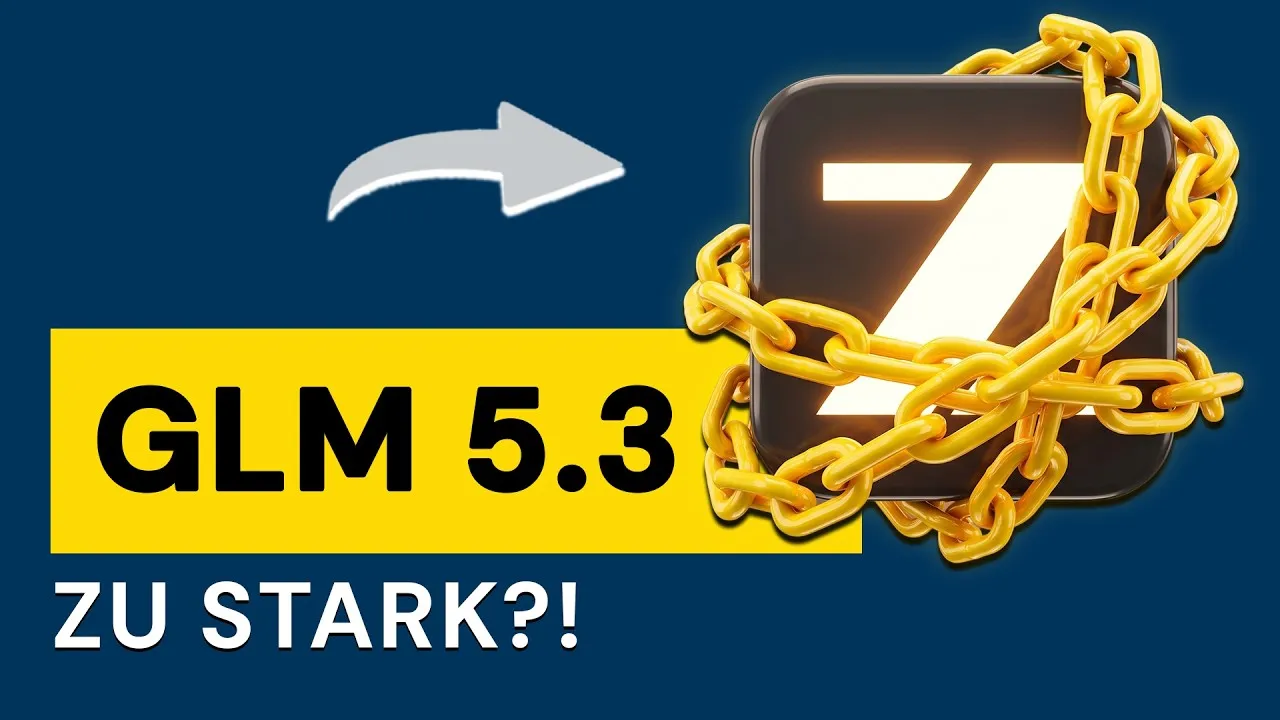
When a provider launches a model, restricts access or changes its pricing, I explain what it means. Examples include a video on Z.ai locking away GLM 5.3 and an explainer on why RAM suddenly became so expensive. The question behind every one of these videos is the same: what does this mean for you and your projects?
Model comparisons
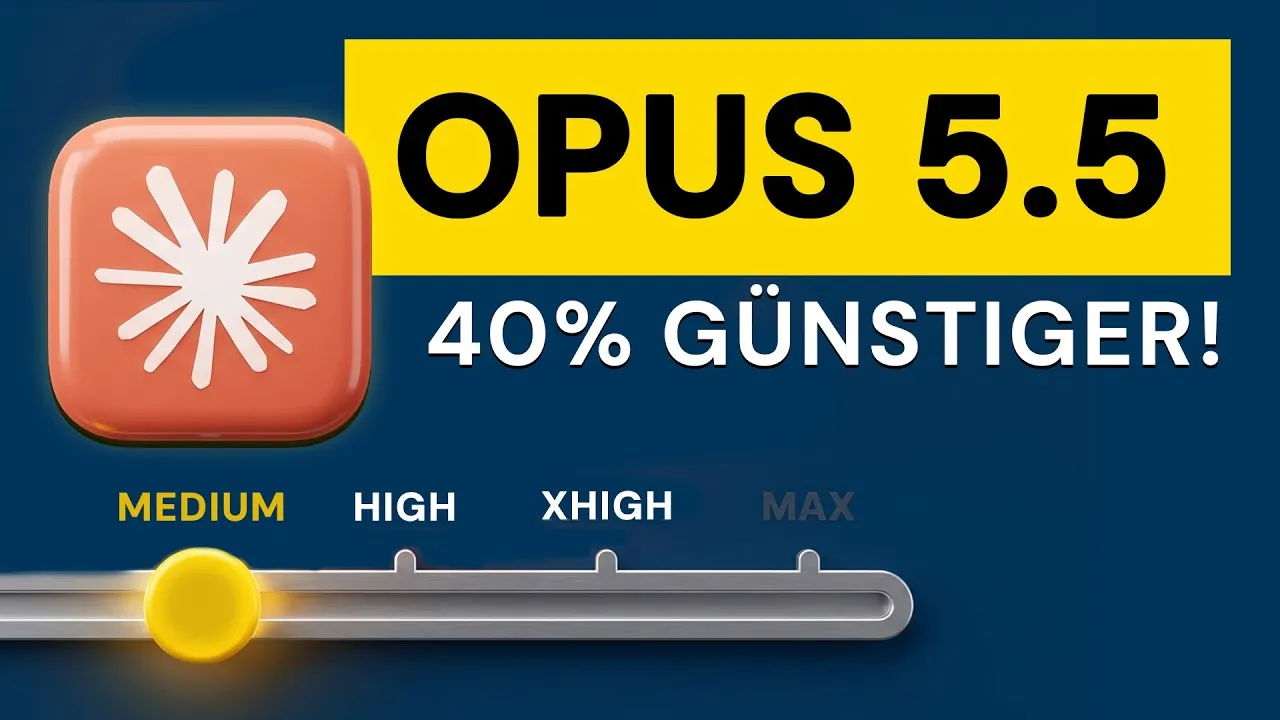
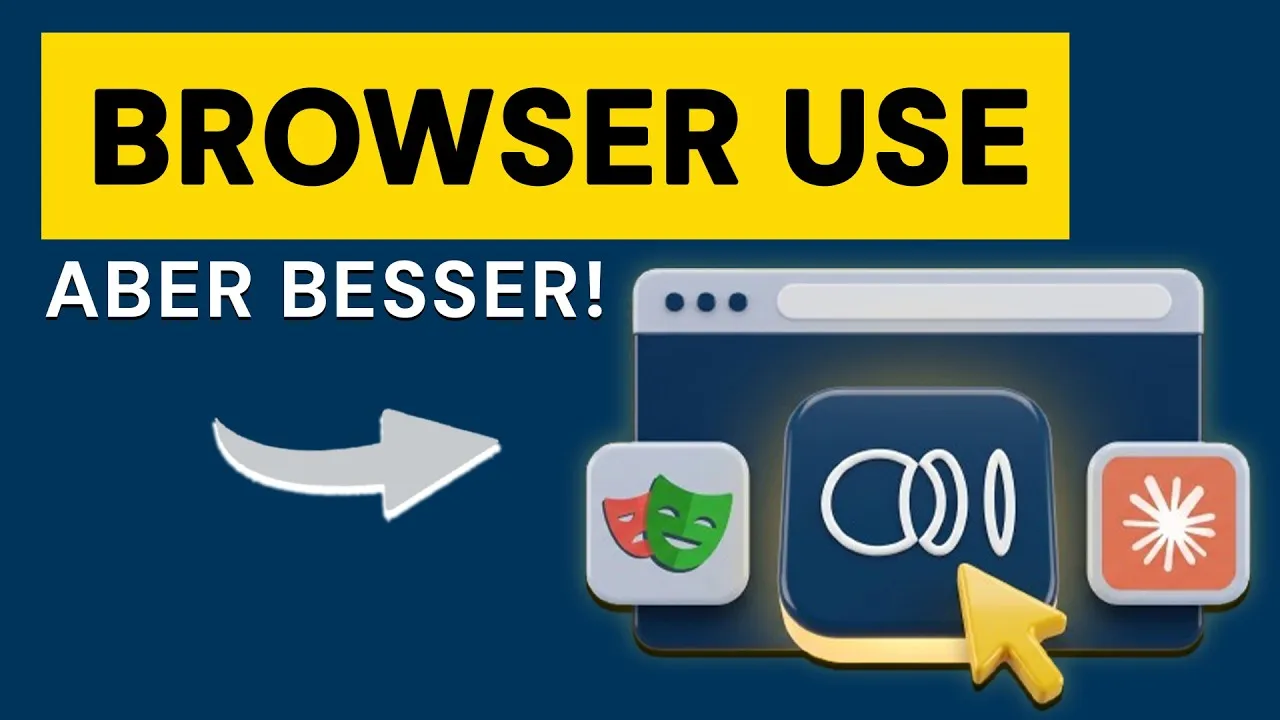
Two or more models get the same task, then I compare the result, the speed and the cost. That includes Codex against Claude Code, Opus 5.5 against Opus 5 inside Claude Code, and a head-to-head of the browser agents Claude in Chrome, ego lite and Playwright MCP. The most successful video of this kind so far is „Ich baue die gleiche App mit 3 KI-Tools“ (I build the same app with 3 AI tools), the first video on the channel to pass 100,000 views.
Affordable and local alternatives
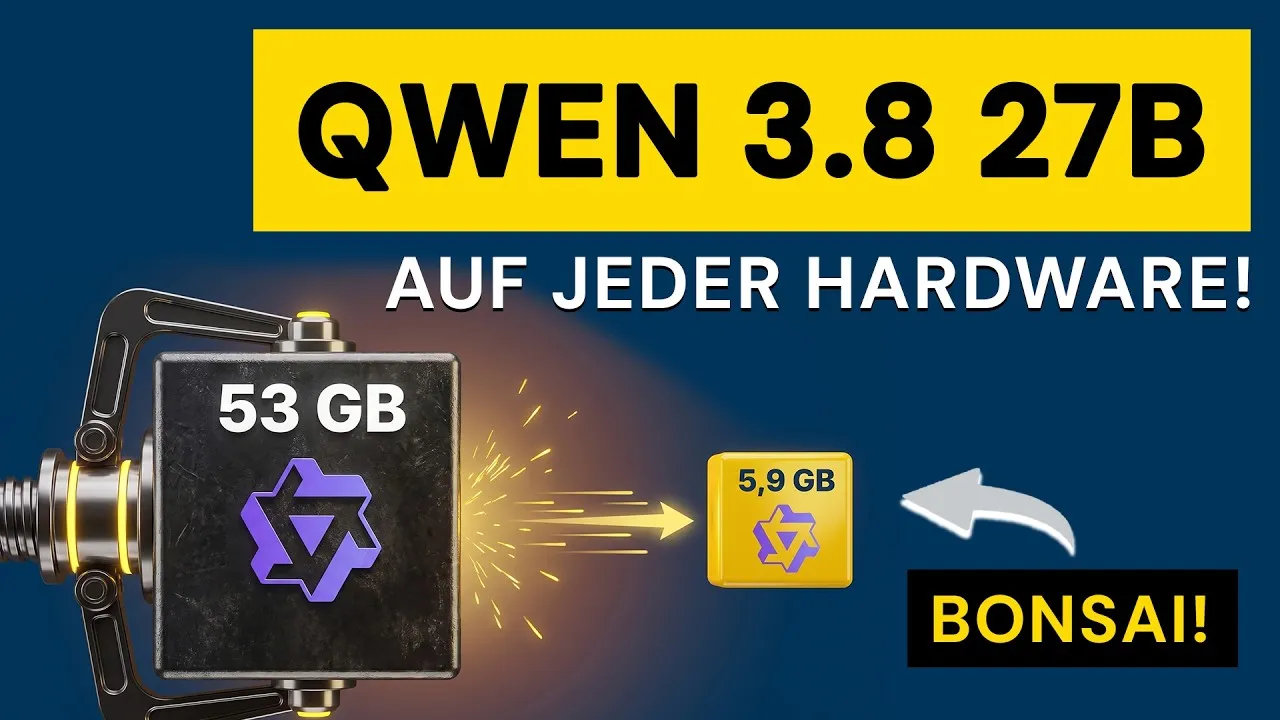
Not everyone wants another subscription for every model. So I show which open models run locally on a Mac or PC and how good they really are, for example Qwen 3.8 27B running for free on PC and Mac, or Qwen 3.8 27B compared directly with Claude on an RTX 5090. These videos are about cost, privacy and independence from any single provider.
Hands-on tutorials
Anyone who wants to adopt a tool needs a clean start. Tutorials such as a full setup and honest test of the Kimi Code desktop app take you from the first launch to the first useful result. Short videos add quick answers to single questions, for example whether AI models really get worse with more context.
How a video gets made
A video of ten to twenty minutes hides a lot of work. Some of the tools for it I built myself, because the right ones did not exist.
- Testing before recording: Before the camera rolls, I use the tool myself on a real task. Whatever breaks along the way belongs in the video.
- My own teleprompter: I record with a custom note overlay. The small window shows my bullet points, stays invisible in screen recordings and is fully keyboard-driven.
- Editing in Premiere Pro: Editing happens in Adobe Premiere Pro. Through a local interface I automate repetitive steps, such as re-timing screen recordings to an already edited voice track.
- Transcripts on the Mac: Transcription runs locally with Whisper and produces a timestamp for every word, so I can find any moment without uploading audio to the cloud.
- Animations as code: Explainer graphics, comparisons and timelines are built with Remotion, which means React code instead of a traditional animation tool. That makes them precise and reusable.
- Sound and thumbnails: The voice is mastered to -19 LUFS for YouTube. Thumbnails follow a style guide with two modes: calm and clean for tutorials, high-contrast for news and comparisons.
-
01Test first
-
02Teleprompter
invisible in screen recordings
-
03Premiere Pro
screen clip re-timed to the voice
-
04Whisper
00:12.4the00:12.6model00:13.1breaks
a timestamp for every word, on the Mac
-
05Remotion
animations as React code
-
06Sound and thumbnail
-19 LUFSfor YouTube
Why I am building my own AI benchmark
Public leaderboards often say little about how a model performs in real work. That is why I am developing my own practical benchmark. Its goal is to give the channel reliable numbers within 24 hours of a model release instead of a gut feeling.
- Fixed, realistic tasks: for example a simulated customer-service agent for an online shop that calls tools, plus structured output, code, long context and images.
- Several metrics instead of one overall score: tasks solved, cost per solved run, time, tool-call accuracy, critical errors and variance between runs.
- No language model as the judge: scoring relies on transcripts and sandbox logs, not on another AI model.
- No “better than” without significance: a difference has to hold up statistically before it makes it into a video.
- Same model, different access paths: the benchmark also checks whether a model behaves differently through the API, through OpenRouter or through a subscription in the terminal.
The mechanics are built and tested. The first paid runs against real models follow as soon as model routes and prices are properly verified.
-
Same model
- API
- OpenRouter
- Subscription in the terminal
-
Fixed tasks
- Customer service agent with tools
- Structured output
- Code
- Long context
- Images
-
Metrics from logs
- tasks solved
- cost per solved run
- time
- tool-call accuracy
- critical errors
- variance
no language model as the judge
-
Significance
no "better than" without it
The channel in numbers
| Metric | September 2026 | April 2026 |
|---|---|---|
| Subscribers | around 11,200 | 5,060 |
| Videos | 406 | 342 |
| Total views | around 1.54 million | 685,113 |
In a little over five months, the subscriber count more than doubled. The channel has existed since January 2022.
Subscribers
around 11,200×2.2
Total views
around 1.54 million×2.2
Videos
406+64
What you get from the channel
- An honest take on whether a new model or tool is worth your time.
- Tutorials that get you productive with a tool on the same day.
- A look at local and affordable alternatives when cost or privacy matters to you.
- Context in German, without marketing speak.
How the channel connects to my projects
The tools I test on YouTube are the same ones I use to build my projects: the app BerichtsheftKI, the web app of BLUNATECH and the MMK Chatbot for DHBW Mannheim. What convinces me in a video ends up in the code. What fails in a project often becomes the next video.
Have a question about a tool or an idea for a video? Write to me at kontakt@bitzer-fabian.de or head straight to youtube.com/@IchBinFabian.